Reference
How antivirus protection actually works
Signatures, heuristics, reputation and behaviour monitoring — what each one catches, what each one misses, and why a detection rate quoted on its own tells you nothing.
No commercial links on this page
This page is reference material and carries no partner links. The site as a whole is advertising-funded — see the editorial policy for how that is kept separate from what is written.
Four checks, not one
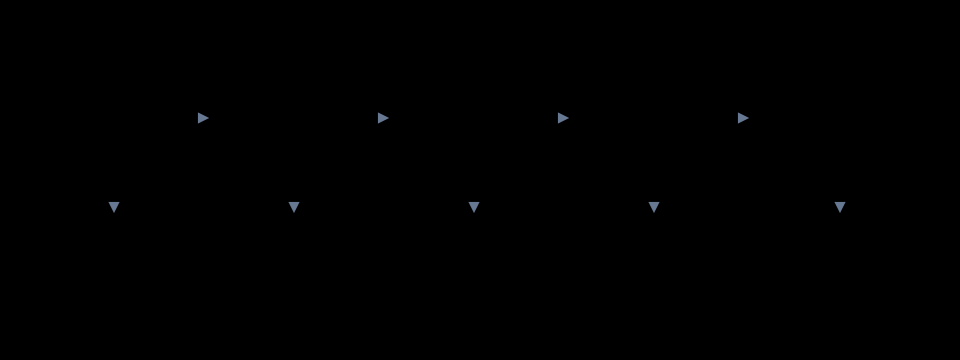
The word “antivirus” survives from a period when the technology really was a list of known viruses. Nothing works that way now. A modern engine runs several independent checks, and a file has to pass all of them.
Signatures
A hash or byte-pattern comparison against a list of known-bad code. Extremely fast, essentially no false positives, and useless against anything the vendor has not seen. Because attackers repack their payloads automatically, a signature can be defeated in seconds. It remains in every product because it is nearly free to run and disposes of the enormous volume of recycled malware cheaply.
Static heuristics
The file is examined without being executed: is the code packed or obfuscated, does it import the combination of system functions that only injectors import, does the structure of the executable match what the compiler that supposedly built it would produce. This catches variants of known families and some genuinely new things. It is the first check that can produce false positives, because legitimate software sometimes does unusual things — installers and copy-protection systems especially.
Reputation
A lookup against the vendor’s aggregate view of the file across its whole user base: how many machines have seen it, how long it has existed, whether it carries a valid code signature and from whom. This is the check that flags the freshly-built, unsigned executable that only you have ever run — and it is why a large user base is a genuine technical advantage for a security vendor, not just a marketing one. The trade-off: it works by telemetry, which is a privacy question, and you should read what any vendor sends home before installing it.
Behaviour monitoring
The program is allowed to run and is watched. Enumerating the documents folder and rewriting every file in it, deleting volume shadow copies, injecting code into a browser process, stopping security services, contacting a newly registered domain — none of these is proof of malice on its own, and all of them together are. This is the only check that can stop something genuinely novel, and it is also the only one that acts after execution has begun.
Why the false-positive rate matters as much as the detection rate
You can build a product with a 100% detection rate this afternoon: block everything. The reason nobody does is that the cost of a false positive is high and immediate — a quarantined accounting package on the last day of the month, a blocked driver, a developer’s own build refused. Every detection threshold is a trade between the two error types, and a vendor quoting one without the other is not telling you enough to judge them.
This is why quarantine exists rather than deletion. A quarantined file is isolated but recoverable, which makes a false positive an annoyance rather than a data-loss event.
What detection cannot do
- It cannot stop you authorising something. If you are persuaded to type your password into a convincing page, or to approve an elevation prompt for a program you were told to install, no engine is going to overrule you.
- It cannot undo a credential breach elsewhere. If a site you use is breached and you reused that password, your machine was never involved.
- It cannot replace patching. An exploited vulnerability in a browser or a remote-access service is an entry route that the engine only meets after the fact.
- It cannot promise anything. “100% protection” is a claim no honest vendor makes, and the labs that test them publish precisely why.
The routes it has to cover

Where the product sits in the stack

The special case: ransomware
Ransomware is the category where timing dominates everything. Encryption of a full document library on a modern solid-state disk takes minutes, and the behaviour monitor has to make its call inside that window.

And the other special case: you
Web filtering blocks known-bad addresses. It cannot block an address registered forty minutes ago, and phishing operations are designed around that gap. The durable defence is the habit of reading the registered domain.
Sources and further reading
- AV-Comparatives — published methodology for real-world protection and false-alarm testing. av-comparatives.org
- AV-TEST Institute — test methodology and per-round consumer results. av-test.org
- ENISA Threat Landscape, annual editions. enisa.europa.eu
- National cyber-security agency guidance on ransomware preparation and offline backups (for example the UK NCSC and Germany’s BSI both publish free consumer and small-business guidance).
This page describes the general industry model. Individual vendors name, order and combine these stages differently, and vendor documentation prevails for any specific product. Reviewed 21 September 2026 by Lisa Thomas.